> ## Documentation Index
> Fetch the complete documentation index at: https://rive-transitions-2.mintlify.site/llms.txt
> Use this file to discover all available pages before exploring further.
# Exporting Names
> Make object names available at runtime
Object names are not available at runtime by default. Exporting a name makes an object's human-readable name accessible to runtimes.
You may want to export names when:
* Using a data binding enum to control a Solo.
* Referencing or controlling an object from a script.
Exporting names slightly increases file size. Only export names for objects you need to access at runtime.
## Export a Name
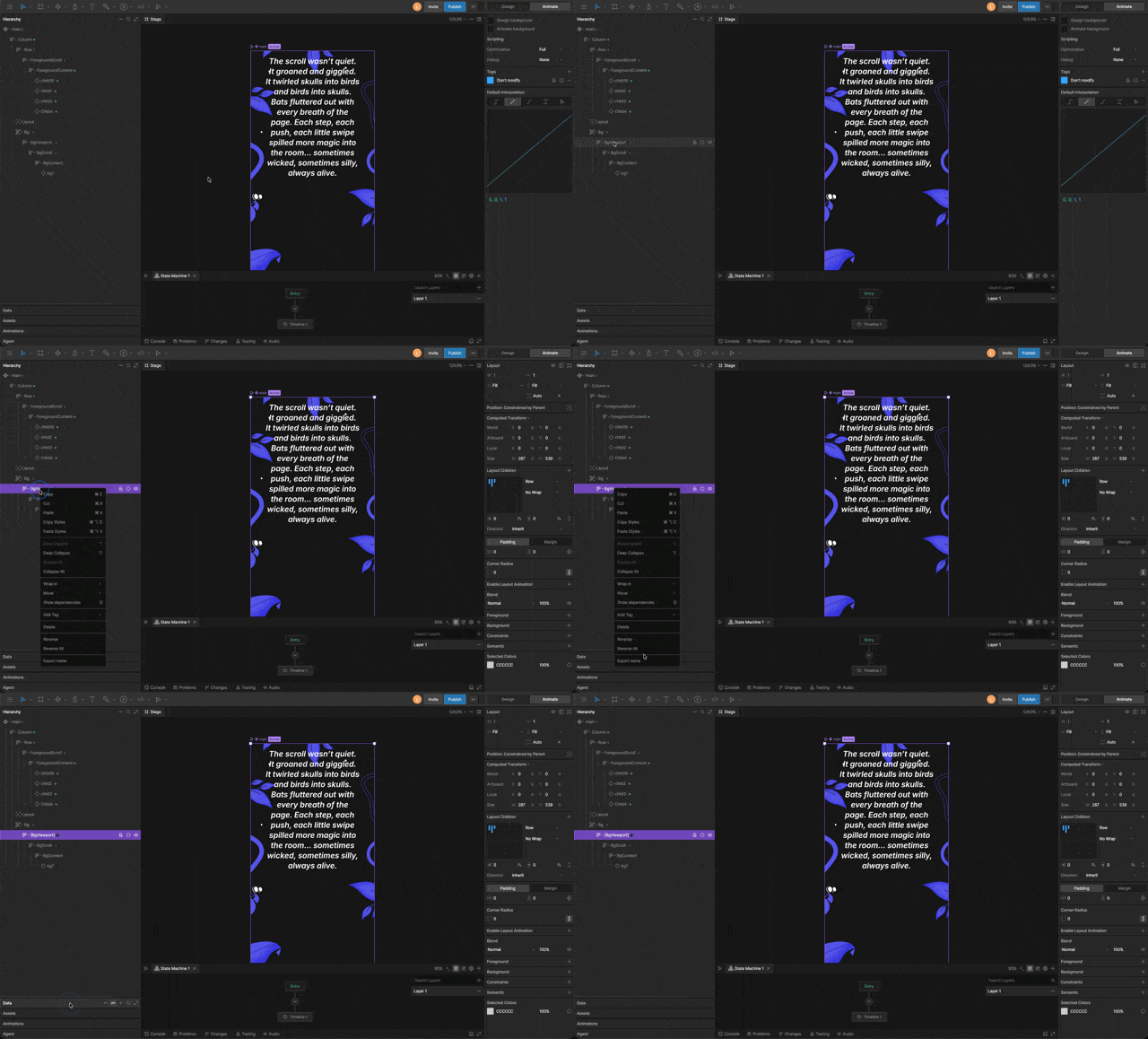 In the Hierarchy, right-click the object and select **Export Name**.
Exported object names appear surrounded by brackets in the Hierarchy.
## Export All Names
Exports the names of all objects in the file.
Exporting all names is not recommended because it will increase the size of your exported `.riv` file.
Open the hamburger menu and select **Export Options**.
Enable **Export All Names**.
## Remove Name Exports
Removes all exported names from the file.
Open the hamburger menu and select **Export Options**.
Select **Remove Name Exports**.
In the Hierarchy, right-click the object and select **Export Name**.
Exported object names appear surrounded by brackets in the Hierarchy.
## Export All Names
Exports the names of all objects in the file.
Exporting all names is not recommended because it will increase the size of your exported `.riv` file.
Open the hamburger menu and select **Export Options**.
Enable **Export All Names**.
## Remove Name Exports
Removes all exported names from the file.
Open the hamburger menu and select **Export Options**.
Select **Remove Name Exports**.