Importing Fonts
See Importing Assets for information about importing files, including TTF and OTF files.Google Fonts
You can add Google Fonts directly from the text style font options. Select a text run, choose a Google Font, and Rive adds the font to the Assets panel automatically.Export Options
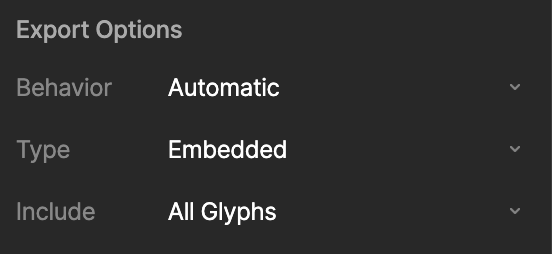
Font assets include an Include option that controls which glyphs are included when the font is exported.- All glyphs: Include the full font.
- Glyphs used: Include only the glyphs used in the file.
- Custom: Include a custom set of glyphs.
Fonts can significantly increase the size of your exported
.riv file, especially when exporting All glyphs. Use Glyphs used or Custom when you only need a smaller set of characters.To control which glyphs are included, create an artboard that you do not export to the 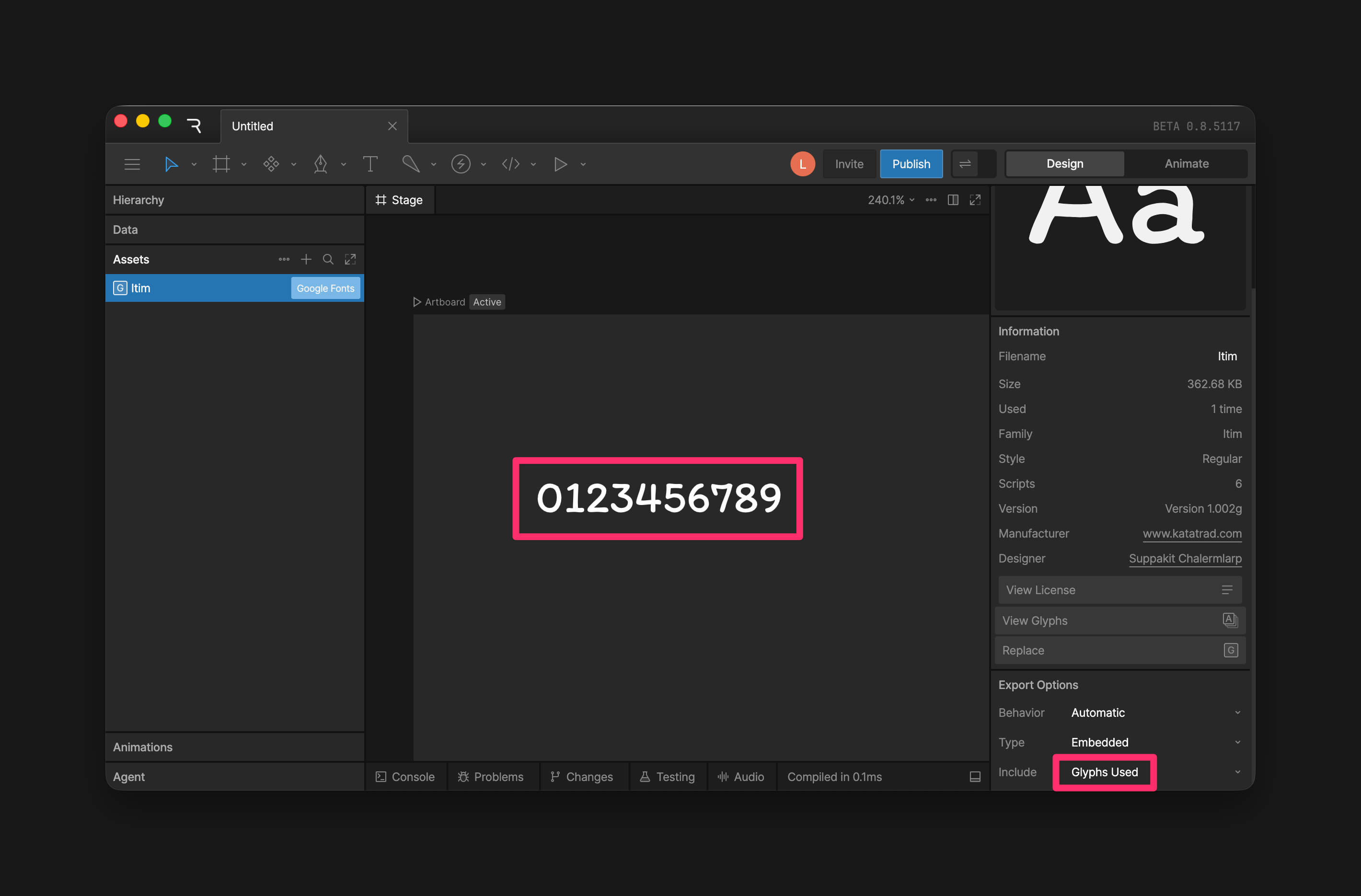
.riv file. Add a text run with the exact characters you want to include, then set the font asset’s Include option to Glyphs used.For example, if your file only needs numbers, add a text run with 0123456789. Those glyphs will be included in the exported font.Custom - Export Scripts
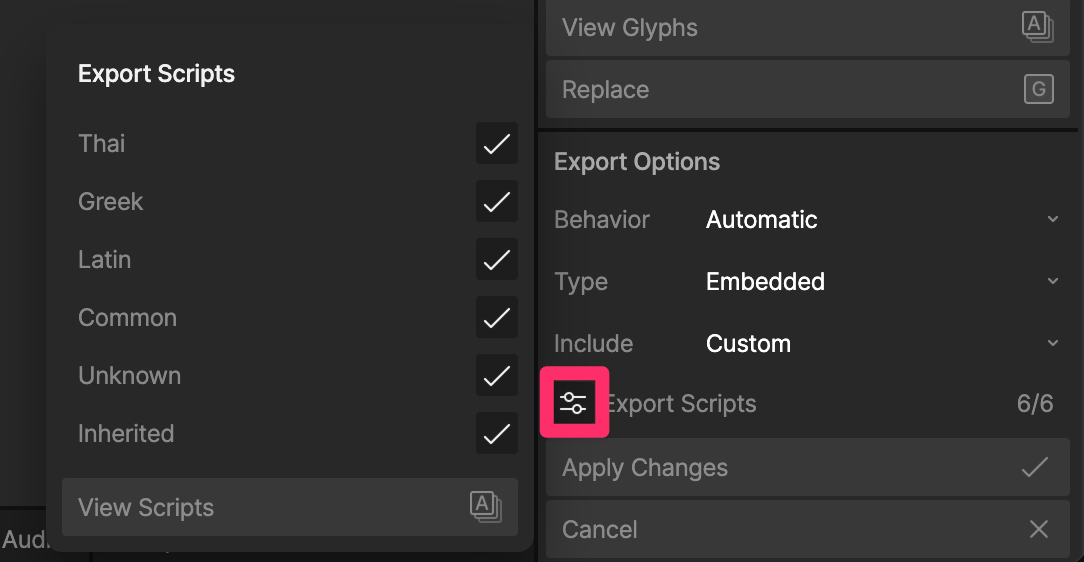
When Include is set to Custom, you can use Export Scripts to choose which glyph groups to include, such as Latin, Thai, or other writing systems.